Grocer: Shopping List

A photo becomes your grocery list.

Snap a receipt, recipe, handwritten note, pantry shelf, or fridge. Grocer finds the grocery items, lets you review them, and keeps your list organized for the store.

Review
before saving
Share
with your household
Free
core lists included
A handwritten list and recipe become a categorized grocery list in Grocer.
Start with what you already have. Save only the items you want.

How it works

From photo to cart, without rebuilding the list by hand.

  1. 01

    Start with a photo.

    Choose a receipt, recipe, screenshot, handwritten note, pantry shelf, or fridge photo.

  2. 02

    Review every item.

    Check what Grocer found, edit anything that needs a tweak, then save the items you need.

  3. 03

    Shop an organized list.

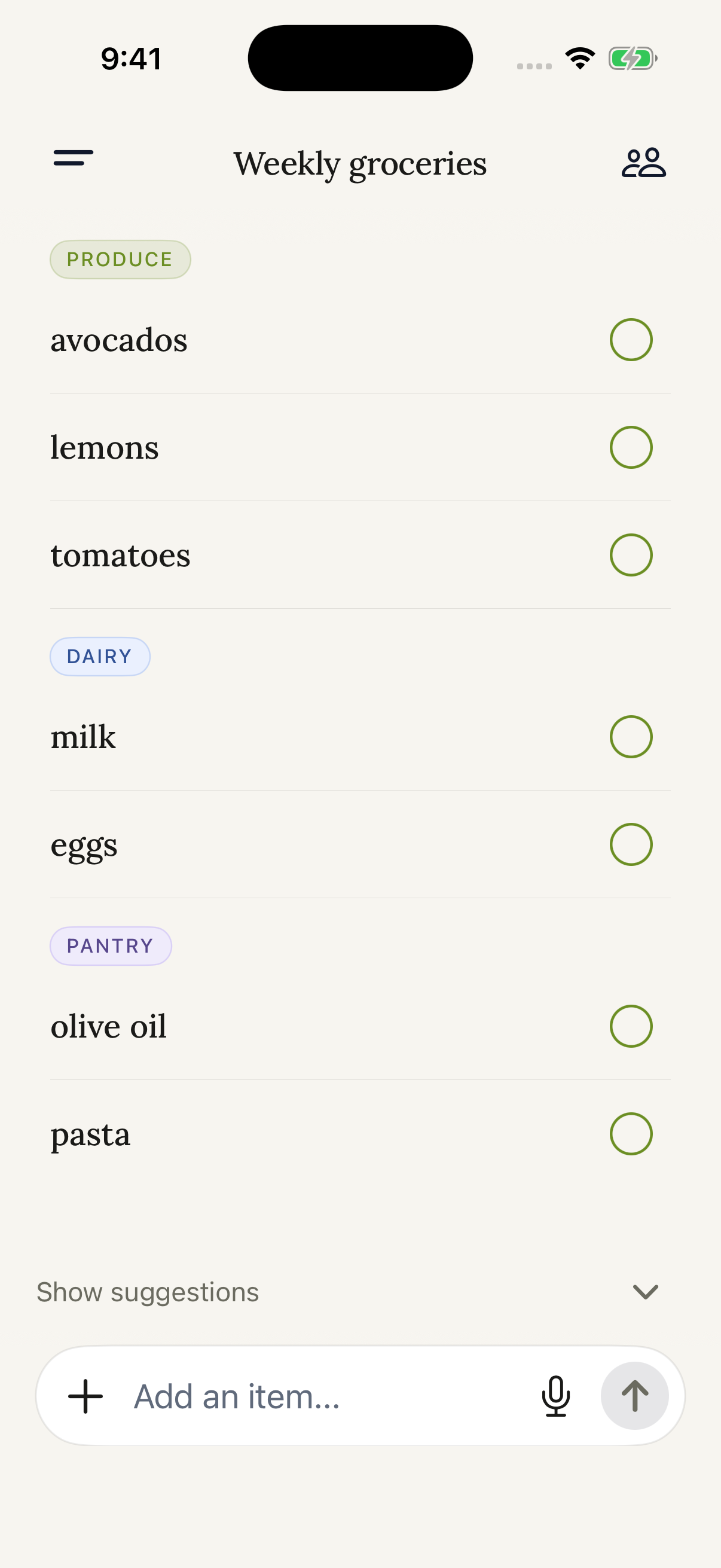
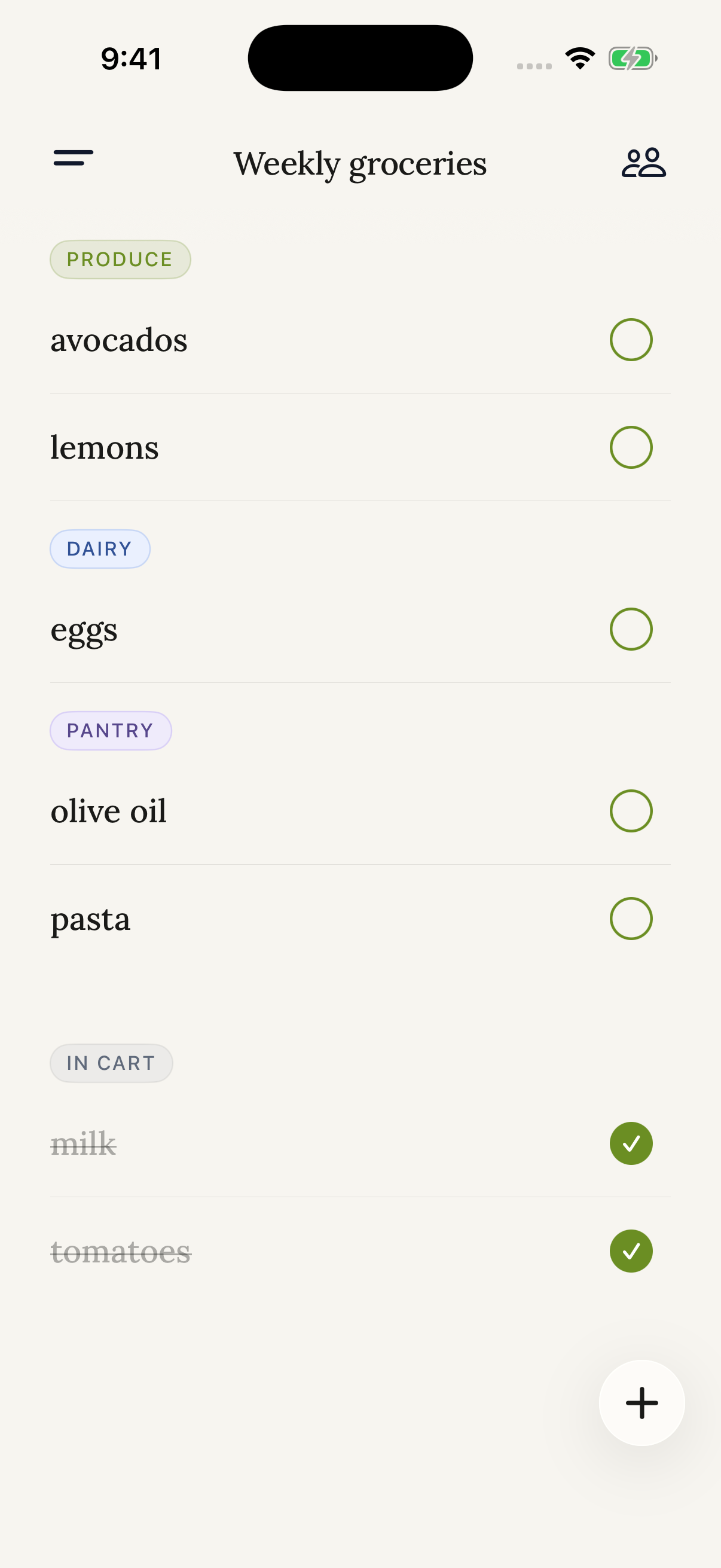
    Keep produce, pantry, dairy, and the rest in one calm, easy-to-check-off list.

Shared household lists

The same list, wherever you shop.

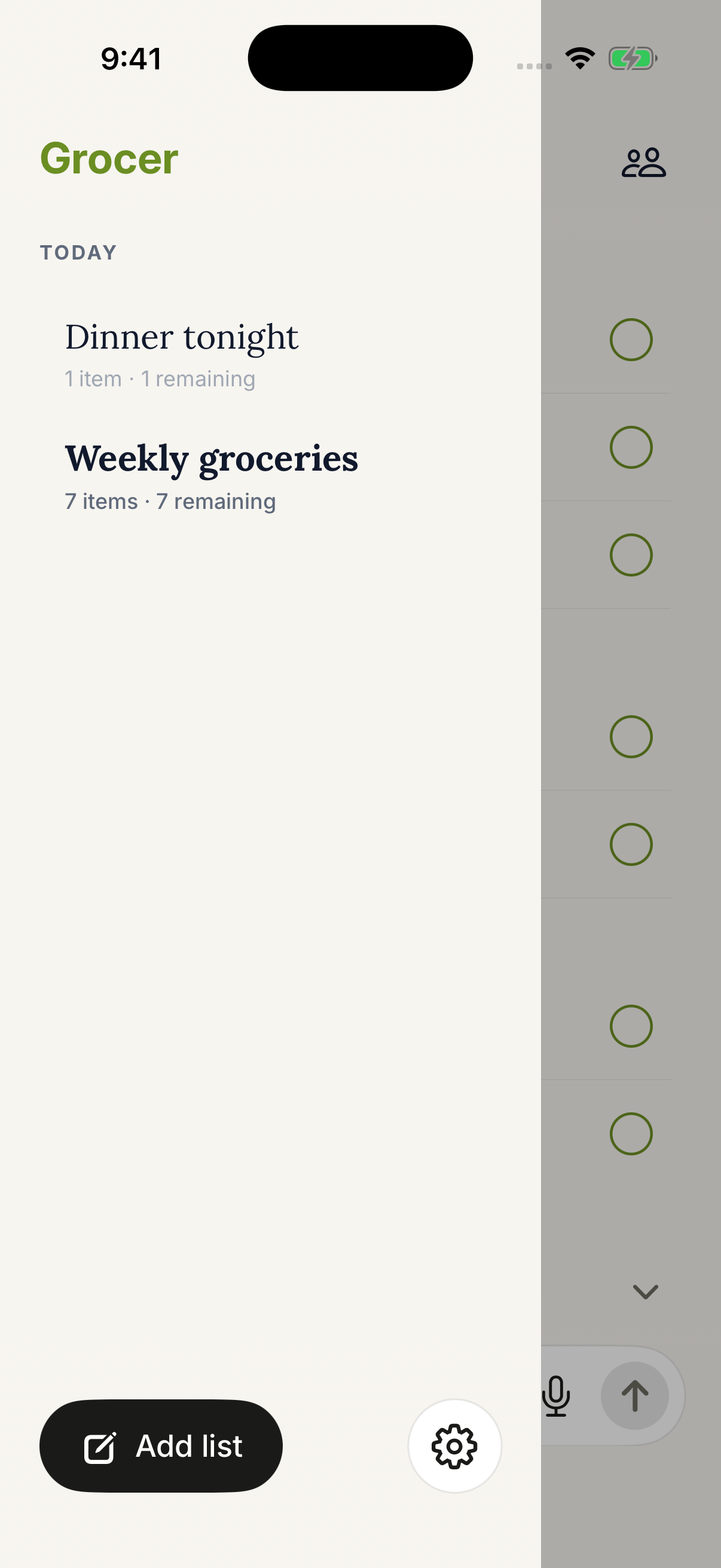
Invite the people you shop with. Add an item at home, pick it up in the aisle, and everyone sees the latest list.

Get Grocer for iOS
A Grocer family list showing multiple household members and an item added in real time.

Simple by default

Grocer is useful before you upgrade.

Build the lists you need for free. Add Grocer Pro when photo-to-list Smart Scan is part of your routine.

Grocer Free

Everyday grocery lists.

Create, edit, organize, and share the lists your household uses every week.

  • Organized grocery lists
  • Manual item entry and check-off
  • Shared household lists

Grocer Pro

Paid Smart Scan access.

Turn selected grocery photos into editable list items with Smart Scan, then review before saving.

  • Receipts and handwritten lists
  • Recipes and screenshots
  • Pantry and fridge photos

Ready when you are

Make your next grocery list from a photo.

Free to start on iPhone and iPad. Grocer Pro unlocks paid Smart Scan access.

Download on theApp Store