Add it while you remember.
Type it, paste a whole list, or just say it. Everything lands in one place, ready for your next trip.
Works with ChatGPT
Ask ChatGPT for a recipe or a week of dinners, and it adds the groceries to your Grocer list. Check them off at the store and share the list with the people you shop with.
Grocer is free on iPhone and the web. Open it in your browser or see how to connect.
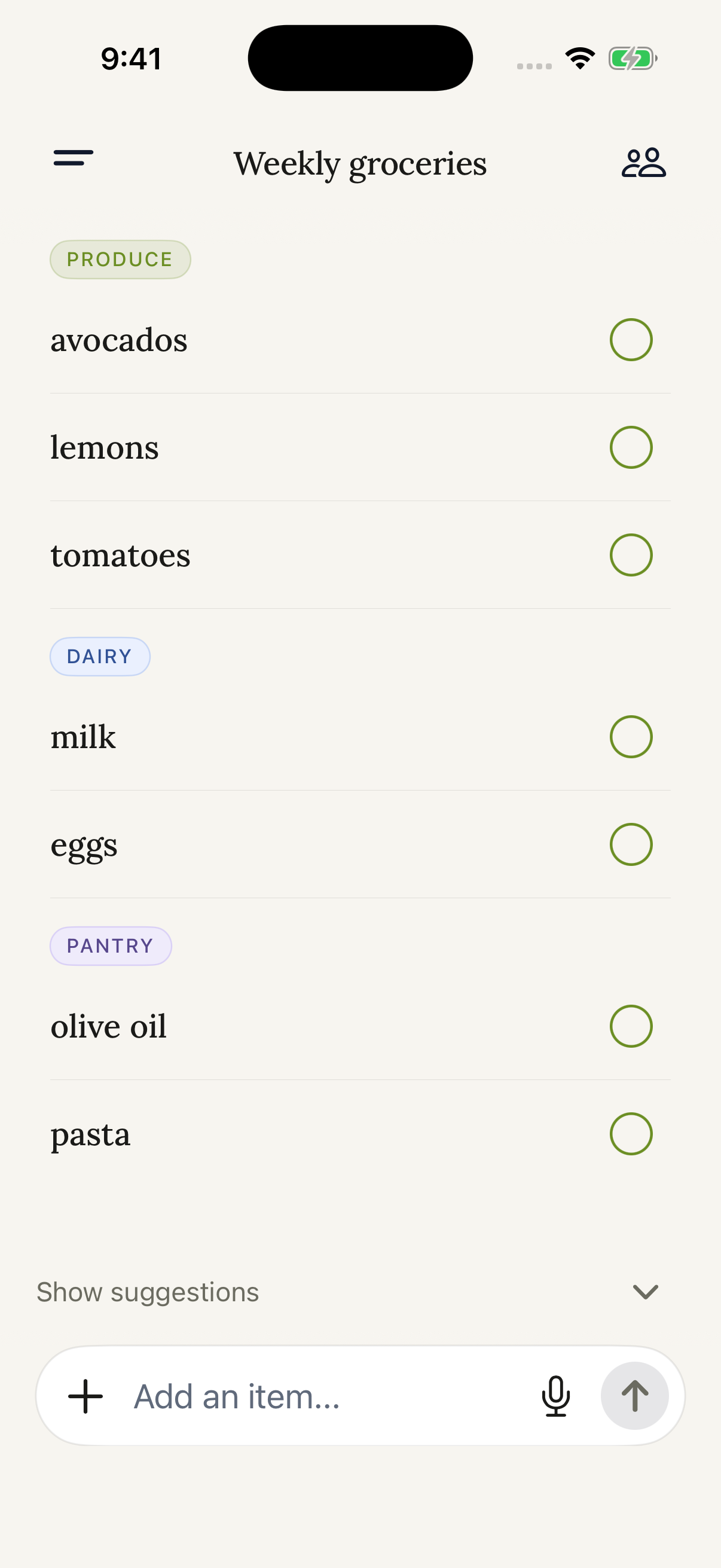
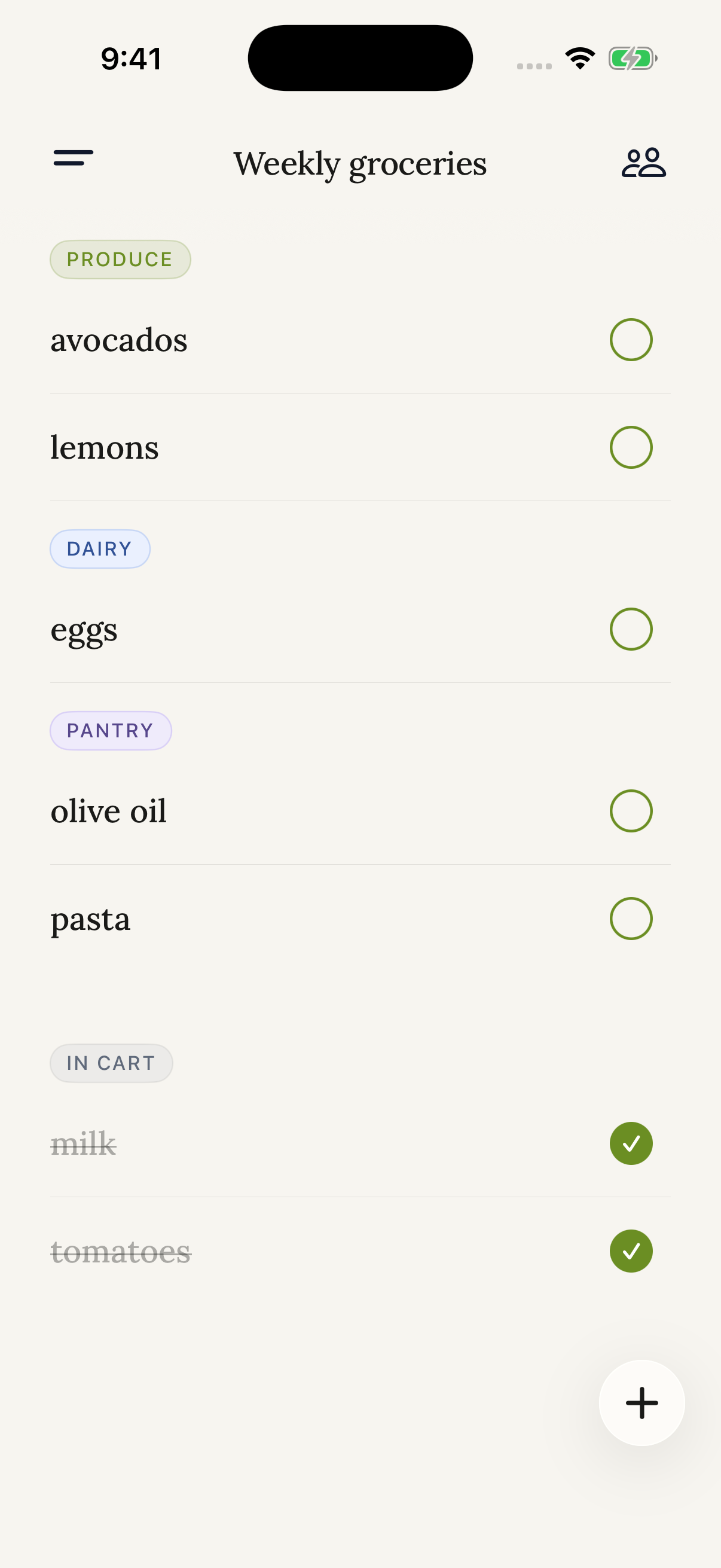
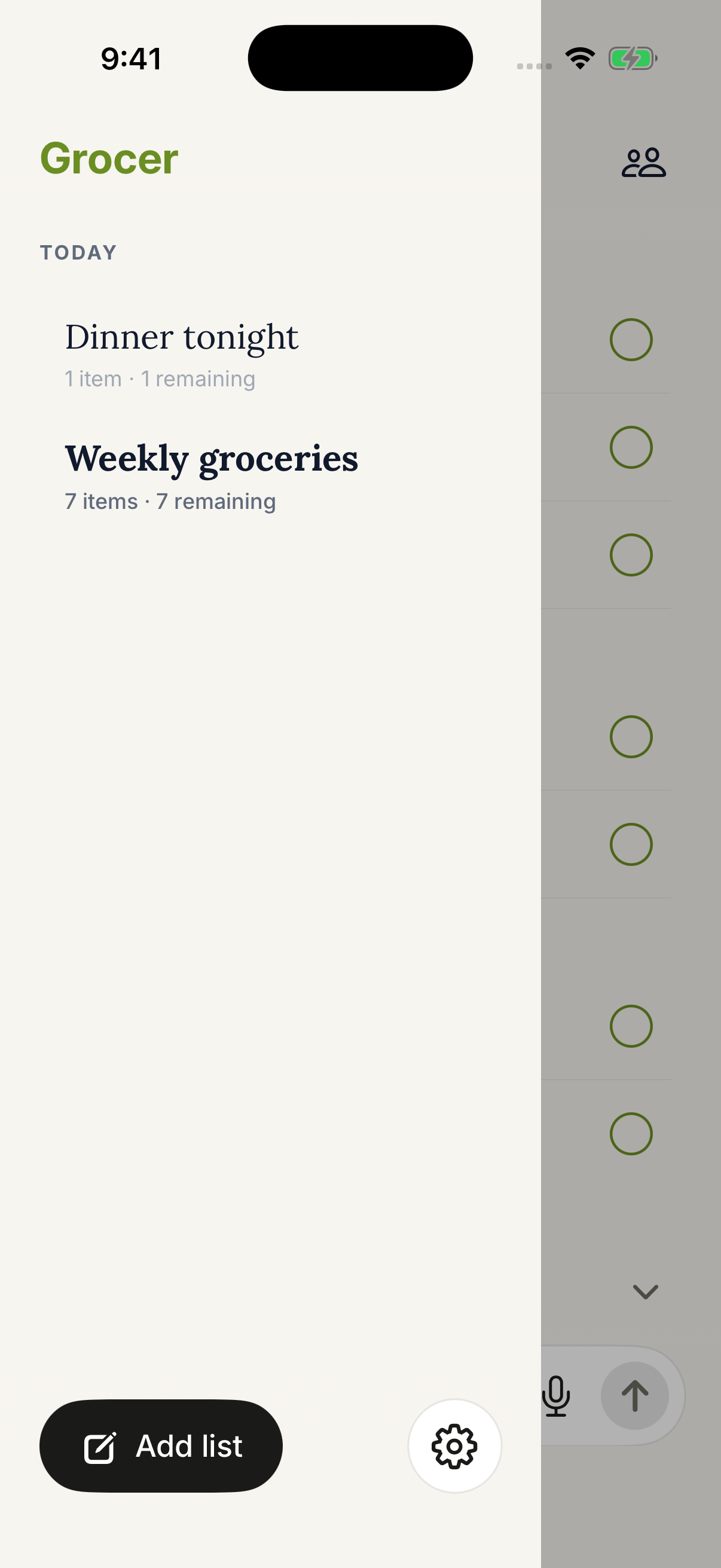
Swipe to explore the app
CONNECT IN CHATGPT
Open the Grocer plugin in ChatGPT, install it, and connect. New to Grocer? Create an account with Apple, Google, or email as you connect. Already use it? Connect the same account.
Try “Save the ingredients from this recipe to my Grocer list.” ChatGPT works with the lists synced to your account.
Use the iPhone app, or Grocer in your browser on any other phone or computer. Sign in with the same account and your list is waiting.
Grocer is free, with no subscription required, and has no AI features of its own; ChatGPT does the planning. How the ChatGPT connection uses your data.
ChatGPT is a trademark of OpenAI. Grocer is not affiliated with or endorsed by OpenAI.
LESS FUSS. MORE DONE.
Type it, paste a whole list, or just say it. Everything lands in one place, ready for your next trip.
Share a list with the people you shop with. Everyone sees the latest changes.
Find items by category, check them off, and tuck the controls away while you shop.

Your first list is a tap away. No iPhone? Use Grocer in your browser.